I’ve lost count of how many times I’ve paused a tense smuggling run or family meeting in Mafia: The Old Country just to pull up the photo mode. There’s something about the game’s sun-bleached Sicilian villages, fog-shrouded mountain roads, and gritty 1930s period details that makes every corner feel like a shot straight out of a classic gangster film. If you’ve ever snapped a screenshot that looked good but not quite as cinematic as the game’s cutscenes, these tips will help you get the most out of every photo session. You don’t need any real-world photography experience to pull off shots worth sharing on your social feeds, either.
Key Hidden Settings in Mafia the Old Country Photo Mode You’re Probably Missing
Most players only scratch the surface of what the photo mode can do, because they stick to the default preset options. The customization options are far more granular than they first appear, and tweaking just a few of them will make your shots look instantly more professional. Time of day slider with minute-by-minute adjustment is the first setting you should play with, because the golden 10 minutes before sunset hits the island’s orange tile roofs and olive groves in a way no preset filter can replicate. Depth of field fine-tuning is another underused feature; instead of picking generic low, medium, or high blur, you can drag the focal point exactly where you want it, so you can focus on a character’s gold ring or smoldering cigarette instead of the closest object to the camera.
The most underused settings that will immediately improve your shots are:
- Manual focal point adjustment, which lets you prioritize small details like a character’s gold ring or a smoldering cigarette instead of the closest object to the camera
- Weather lock, which prevents random rain or fog from rolling in mid-shot while you’re adjusting framing
- Pose library filter, which lets you hide generic NPC poses to quickly find dramatic, story-appropriate poses for protagonist Don Salieri and other core characters
Film grain intensity slider is another game changer. The default grain level is far too high for clean, shareable shots, but cranking it down to 20-30% gives that authentic old gangster film feel without making the image look fuzzy or distorted. You can also toggle off UI elements entirely for the one-tap shortcut, so you can pull up photo mode mid-fight or mid-car chase without health bars or map icons ruining your frame.
Framing Tricks to Capture Gangster Film Vibes Every Time
Even if you have all the settings perfect, bad framing can make a great shot look boring. The good news is the photo mode has a built-in rule of thirds grid you can turn on in the settings menu, which takes all the guesswork out of basic composition. Use foreground elements to add depth to your shots: shoot through a half-open restaurant door, between two crates on the dock, or past a hanging laundry line to make the image feel like you’re a hidden observer watching a secret meeting. That small layer of depth makes the shot feel far more immersive than a straight-on character portrait.
Low angle shots for power moments are perfect for capturing the game’s tense power dynamics. If you’re taking a shot of Don Salieri standing over a rival or addressing his crew, tilt the camera up from the ground to make him look larger than life, just like directors do in classic crime films. For quieter, more somber moments, use negative space to convey emotion: leave half the frame empty of people, filled with the Mediterranean sea or a dusty mountain road, to show the weight of a recent loss or a big upcoming decision.
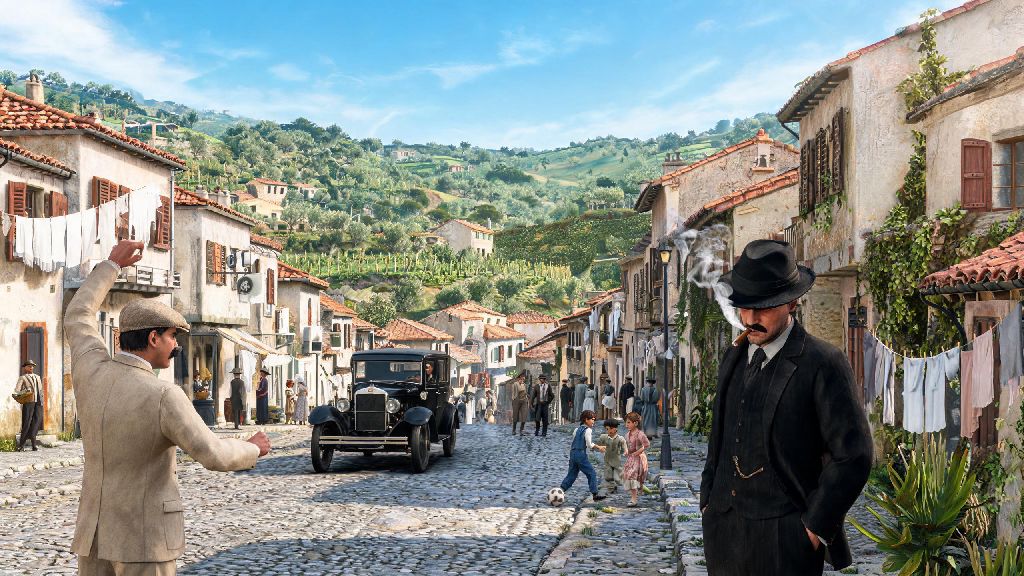
You don’t always have to center the main character, either. Some of my most popular shots don’t include any core cast members at all: a lone fisherman on the dock at dawn, a line of vintage sedans parked outside a vineyard, or a group of kids playing soccer in the village square feel just as true to the game’s vibe as any action shot. Don’t be afraid to wander off the main mission path to find these small, quiet moments to capture.
How to Capture Unscripted, Spontaneous Shots Without Breaking Game Flow
Planned posed shots look great, but the most memorable photo mode captures usually happen when you least expect them: a NPC tripping over a curb, your character laughing while drinking wine at a street vendor, or a rival gang pulling guns on you right as you turn a corner. The easiest way to capture these moments is to set up the one-tap photo mode shortcut in your controller settings. I have mine mapped to a press of the left stick, so I can pull up the mode in half a second without fumbling through the pause menu.
Turn off photo mode slowdown for action shots if you want to capture dynamic, high-energy moments. The default setting pauses the game when you open photo mode, but if you disable that, you can capture mid-fight punches, car chases around mountain hairpin turns, and even your character jumping over a fence mid-escape. You can still adjust framing and settings while the game plays in slow motion, so you don’t have to worry about missing the perfect shot.
You can also trigger small unscripted moments intentionally if you’re looking for more natural shots. Stop at a street vendor and order a plate of arancini or a glass of wine, and your character will play a natural eating or drinking animation that feels far more authentic than any preset pose. Or, drive through a rival gang’s territory and wait for them to spot you, then snap the shot right as they draw their guns for a tense, high-stakes image. Just make sure you turn off auto-save notifications first, so pop-ups don’t ruin your frame mid-shot.
Common Mistakes to Avoid in Your Photo Mode Sessions
It’s easy to get carried away with all the customization options, but a few small mistakes can ruin an otherwise great shot. The most common mistake I see new players make is overusing filters. The game has a ton of great vintage black and white and sepia filters, but stacking more than one, or cranking a single filter to 100% intensity, will make your shot look washed out or oversaturated. Stick to one filter at 30-50% intensity to add that period feel without losing the game’s natural color grading.
Another common mistake is forgetting to toggle off camera collision. By default, the camera stops when it hits a wall or object, but if you turn collision off, you can get shots from inside a building looking out at a meeting, or from under a car to capture the wheels spinning during a high-speed chase. Just be careful not to push the camera too far through solid objects, or you’ll get weird visual glitches in your shot.
Ignoring lighting direction is another easy mistake to make. If your character’s face is completely in shadow because you’re shooting directly into the sun, even the best framing won’t save the shot. Take two seconds to adjust the time of day slightly so the light hits the side of their face, giving that dramatic shadow line across the cheek that’s iconic of classic gangster films. You also don’t want to use too much depth of field, so much that all the background details that make the game feel so real are completely blurred out. You want just enough blur to draw the eye to your subject, not so much that the background looks like a cheap green screen.
At the end of the day, half the fun of Mafia: The Old Country is getting lost in its incredibly detailed world, and photo mode is the perfect tool to save the little moments that make the game feel so alive. You don’t have to follow all these rules to the letter, either – some of my favorite shots came from messing around with settings and accidentally capturing a NPC making a ridiculous face mid-conversation. Next time you boot up the game, take 10 minutes away from the main missions to play around with Mafia the old country photo mode, and you might be surprised at the incredible shots you end up with.